Compare
How Enfilade compares.
Studios present design to clients in a few common ways, and each is good at something. Here is where Enfilade fits, and where another tool may suit you better.
Your first project is free, with everything in it. No card needed.
PDFs and WhatsApp
The default almost everywhere: a presentation exported as a PDF and sent in a chat, with feedback coming back as messages.
Good at: free, familiar, and every client already has it.
Where it falls short: big files that won't open on phones, images that lose their context in the thread, and no clear record of who approved what.
With Enfilade: keep the chat and send one link in it. Decisions are kept room by room, with names and times.
Canva, InDesign and PowerPoint
Design tools for making a beautiful deck by hand.
Good at: total control over the layout, in tools studios know well.
Where it falls short: the deck is rebuilt for every revision, it lives apart from the plan, and clients can only look at it, not answer room by room.
With Enfilade: the presentation and a PowerPoint are built from the plan and boards, and the client answers inside it.
Interior design platforms: Programa, Houzz Pro, DesignFiles, Mydoma, Studio Designer
All-in-one systems for running an interior design business: product libraries, sourcing, specifications, purchasing, invoices and client portals.
Good at: studios whose work centres on buying and supplying furniture and finishes, and who want one system for it.
Where they differ from Enfilade: in these tools, client approval is usually organised around products and the product list. Enfilade is organised around the floor plan: the client walks through the home and approves it room by room, with revision rounds counted against the design contract.
Choose them if purchasing and invoicing are your core. Choose Enfilade if your work is the design and you need clear client decisions on it. Or use both.
Shared drives and file links
Good at: storing and sending files.
Where it falls short: a folder of files isn't a presentation, and a comment on a file isn't an approval of a room.
Side by side
| PDF and chat | Canva or PowerPoint | Design platforms | Enfilade | |
|---|---|---|---|---|
| Built around the floor plan | No | No | Not usually | Yes |
| Opens on any phone, no app | Often too large | As a link or PDF | Yes, in a portal | Yes |
| Client approves room by room | No | No | Usually per product | Yes |
| Feedback pinned to the image | No | Partly | Partly | Yes |
| Revision rounds counted | No | No | Not usually | Yes |
| Presentation builds itself | No | No | Partly | Yes |
| Product sourcing and invoicing | No | No | Yes | No |
How it works
From plan to approval, in three steps.
- 01
Keep your tools
Draw in CAD, make boards anywhere, keep your chat.
- 02
Bring the design in
The plan and the images, room by room.
- 03
Get the decision
One link, and every approval on record.
Questions
Can I use Enfilade with Programa or Houzz Pro?
Yes. You can keep a platform for sourcing and invoicing and use Enfilade to present the design and get decisions on it.
Can I bring in mood boards I've already made?
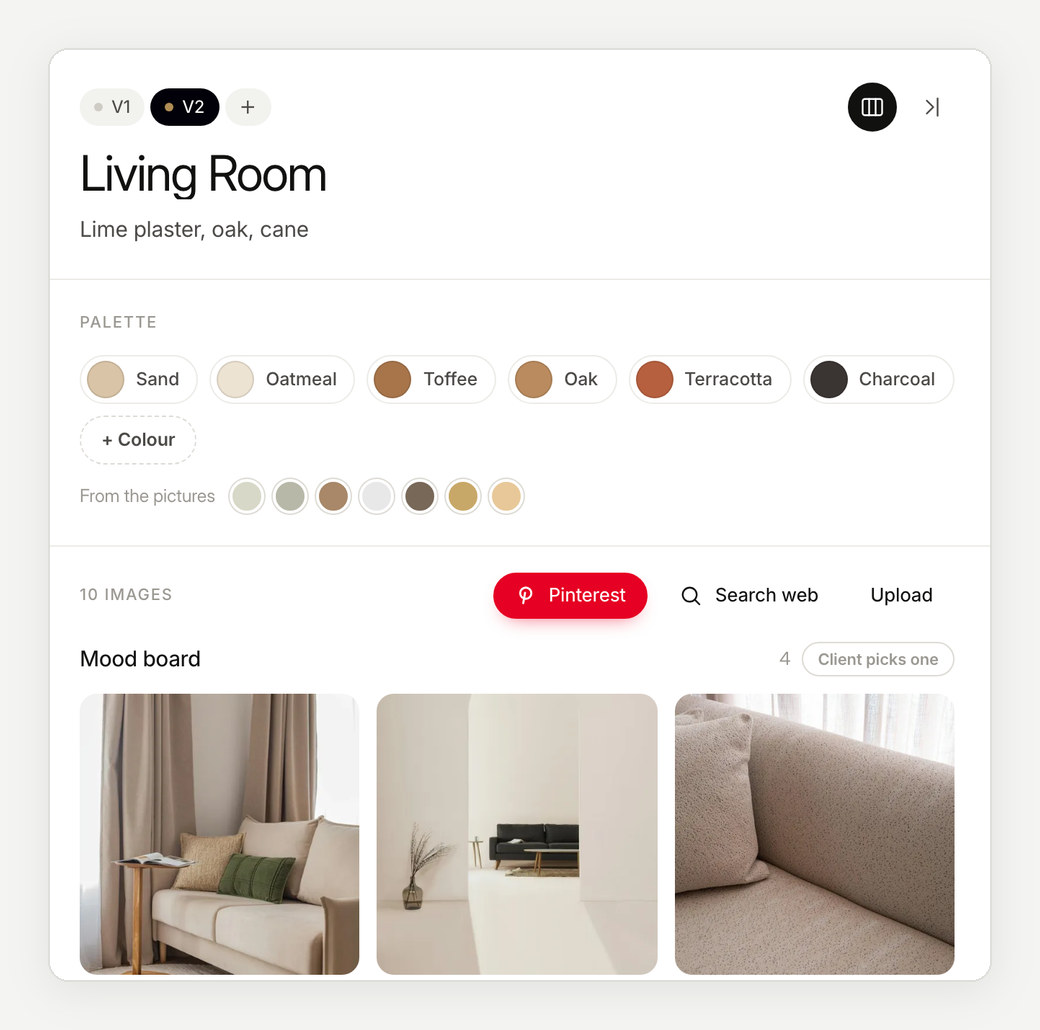
Yes. Drag images in from Pinterest or the web, or upload your own. Boards made in Canva or another tool can come in as images.
What does Enfilade cost compared with these tools?
Your first project is free. After that, pay per project, or monthly for unlimited projects. See pricing.
More about Enfilade
- Interior design presentation softwareInterior design presentations that build themselves.→
- Client approval softwareA clear yes for every room, on record.→
- Mood board software for interior designersMood boards that live on the floor plan.→
- For architectsYour floor plan, now a clickable design book.→
- For interior designers and architects in IndiaDesign approvals the whole family can give.→
- Enfilade, the wordWhat is an enfilade?→
- About EnfiladeWhat is Enfilade?→
- Why EnfiladeStudios design with care. Then the decisions get lost in a chat thread.→